Table of Contents
- What is Manus AI? The True Definition of Autonomy
- The Technical Engine: Core Features Behind the Agent
- Step-by-Step Guide: Setting Up Your First Business Mission
- Manus AI vs. Traditional LLM Chatbots
- The Credit Conundrum: Optimizing Your Tokens
- Conclusion
What is Manus AI? The True Definition of Autonomy
The digital ecosystem in 2026 is no longer impressed by standard text generation or basic chat replies. The paradigm has completely flipped toward execution. At the absolute forefront of this technological shift is Manus AI, an advanced general-purpose autonomous agent developed by Butterfly Effect (Monica) and recently integrated deeply into enterprise scaling.
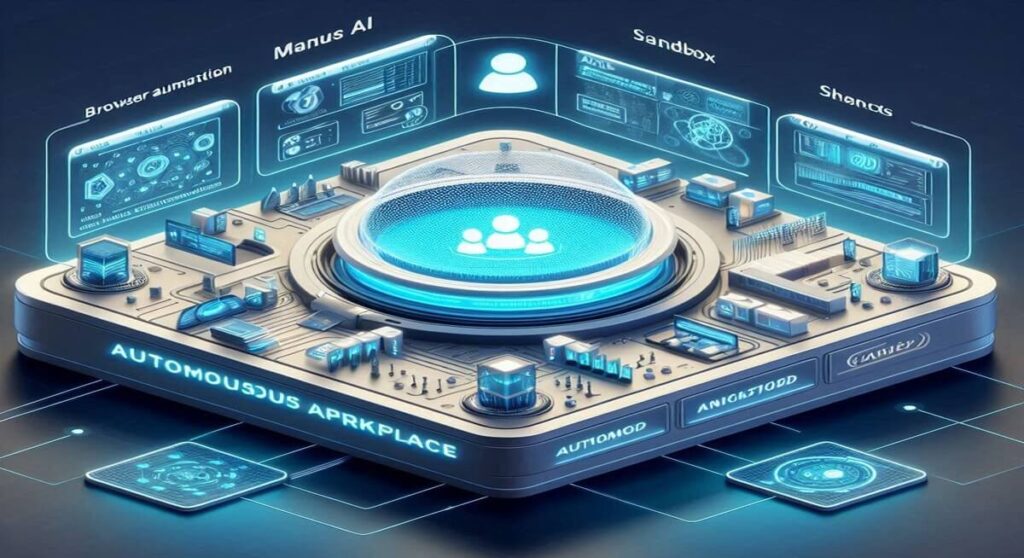
Unlike a traditional chatbot that sits and waits for your next prompt, Manus AI functions as a virtual digital colleague equipped with its own virtual browser, operating system, and data management pipelines. You give it a final business objective, and it completely handles the operational roadmap on its own.
The Technical Engine: Core Features Behind the Agent
To understand why this system is challenging legacy workflows, we must analyze the closed execution loop it operates within.
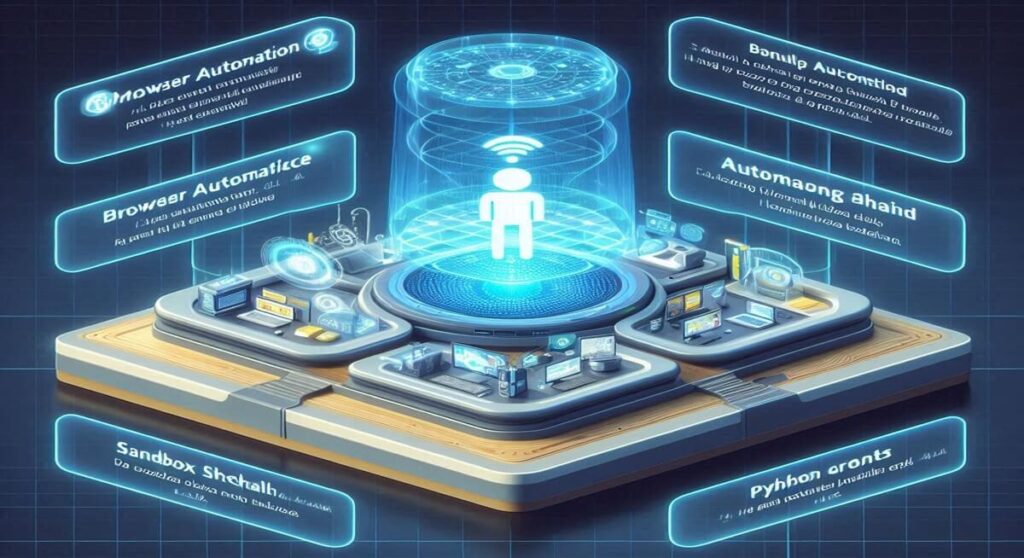
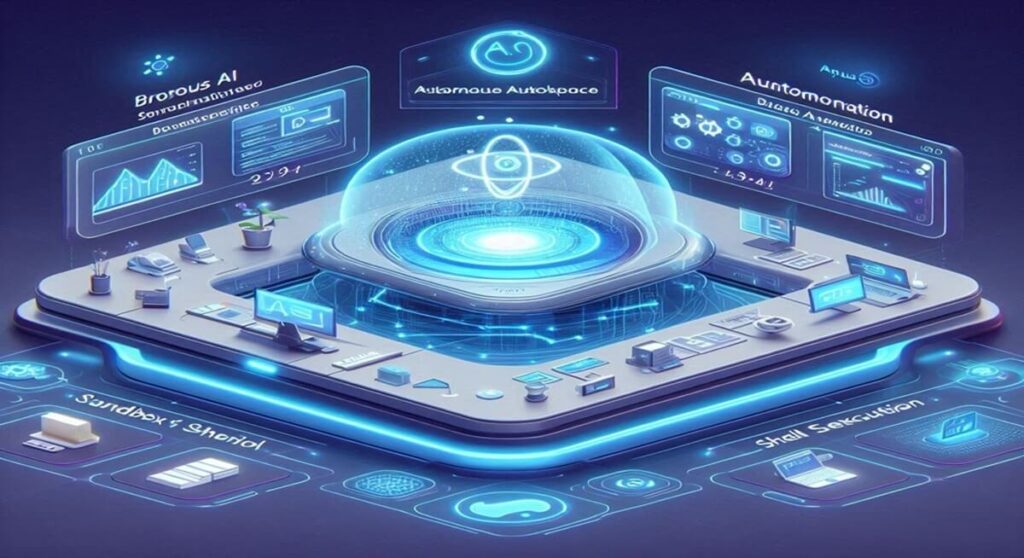
- Isolated Sandbox Environment: When you assign a task to the agent, it deploys a virtual terminal machine. It can install local tools, initialize databases, and run complex Python compilation cycles completely isolated from your hardware.
- Full Browser Automation: Powered by cutting-edge navigation matrices like Browser Use, the agent actively launches a web instance. It can search Google, cross-reference data points, bypass informational structures, and aggregate hidden deep web indices autonomously.
- Multimodal Logic Framework: It doesn’t just read code; it analyzes system screenshots, reviews user interface designs, and automatically patches bugs based on visual errors.
Step-by-Step Guide: Setting Up Your First Business Mission
Let’s walk through how to deploy Manus AI to build a functional web application from a single prompt layer.
Step 1: Interface Initialization
Launch your workspace dashboard via the web interface or your dedicated Slack/Telegram integration hook. Navigate to the Agents tab panel.
Step 2: Defining the Operational Boundary
Input a macro-level requirement into the agent window. For example:
“Manus, build a responsive local web application for a car driving school directory in Denizli, include a structured filter menu, embed a local map placeholder, and deploy it to a live sandboxed URL.”
Step 3: Monitoring the Agent Execution Loop
Once initialized, step back. You will see the agent create subtasks:
- Task 1: Web scraping local institution data registries.
- Task 2: Writing a clean React frontend skeleton.
- Task 3: Setting up local state storage.
- Task 4: Deploying and executing functional lint tests.
If a script error occurs during step 3, the agent reads its own terminal log and applies fixes automatically until a zero exit code is achieved.
Manus AI vs. Traditional LLM Chatbots
The difference between text assistants and action-driven agent architectures is immense:
| Feature Dimension | Legacy LLM Chatbots | Manus AI Agent Platform |
|---|---|---|
| Operational Intent | Information Summary & Text Output | Complete Task Execution & File Delivery |
| Environment | Stateless chat window | Persistent virtual computer & file system |
| Web Interaction | Static API web search reads | Active browsing, clicking, and form-filling |
| Self-Debugging | Requires user to re-paste errors | Reads local logs and fixes code autonomously |
The Credit Conundrum: Optimizing Your Tokens
The incredible capabilities of Manus AI come with a catch: it is incredibly resource-heavy. Running parallel browsing instances and continuous shell scripts consumes daily credits at an aggressive rate.
To prevent your account balance from draining within a few hours, always declare explicit boundaries inside your prompt setups. Instruct the agent to provide an initial text blueprint before it triggers high-cost automated actions. For a deeper understanding of how these computational pipelines affect resources, read our full article on how much water does AI use or view our Claude Code tutorial to master local environments.
Conclusion: The Autopilot For Business Automation
Mastering platform deployment through Manus AI signals a permanent transition into automated business operations. We are stepping away from simply using AI for writing support and entering a time where software entirely runs itself.
To monitor more breaking updates on automation tools, follow our master index in the AI Tools catalog or check out our continuous AI News hub to stay ahead of the digital curve!