
Table of Contents
- The Creative Friction: DeviantArt AI in 2026
- What is DreamUp? DeviantArt’s Native Art Generator
- How to Use the NoAI Tag to Protect Your Artwork
- Step-by-Step: Opting Out of AI Training Scrapes
- The Ethical Horizon for Digital Illustrators
- Conclusion
The Creative Friction: DeviantArt AI in 2026
The integration of generative machine models into legacy creative spaces has sparked intense debate among independent creators. As one of the oldest web-based digital illustration registries on the internet, the implementation of DeviantArt AI protocols has completely transformed how the platform manages digital distribution, copyrights, and commercial generation.
For modern illustrators, understanding how to utilize these built-in system tools while simultaneously protecting their intellectual property from automatic machine scraping is crucial. In this guide, we break down exactly how to navigate the platform’s features safely.

What is DreamUp? DeviantArt’s Native Art Generator
At the heart of the platform’s system updates is DreamUp, a native text-to-image generator powered by stable diffusion frameworks.
- Text-to-Art Interface: Users can type specific artistic styles, dimensions, and visual criteria directly into the submission portal to generate stylized digital files.
- Upscaling Filters: The engine supports native high-resolution scaling up to 8K, allowing users to convert initial rough concept layouts into printable canvases.
- Source Credits: To improve transparency, the system automatically adds tags to generated files, identifying them as machine-synthesized rather than manually illustrated.
How to Use the NoAI Tag to Protect Your Artwork
If you are an independent creator who does not want your portfolio indexed by commercial foundation models, DeviantArt AI has introduced dedicated security metadata flags known as NoAI tags.
When you apply this configuration layer to your portfolio submissions, the site automatically appends specific code snippets to your digital files. This explicitly commands external automated scrapers (such as those deployed by Midjourney or OpenAI) to bypass your content during training updates. While it doesn’t physically lock the files from being viewed, it sets a definitive legal and technical barrier against uncredited commercial indexing.
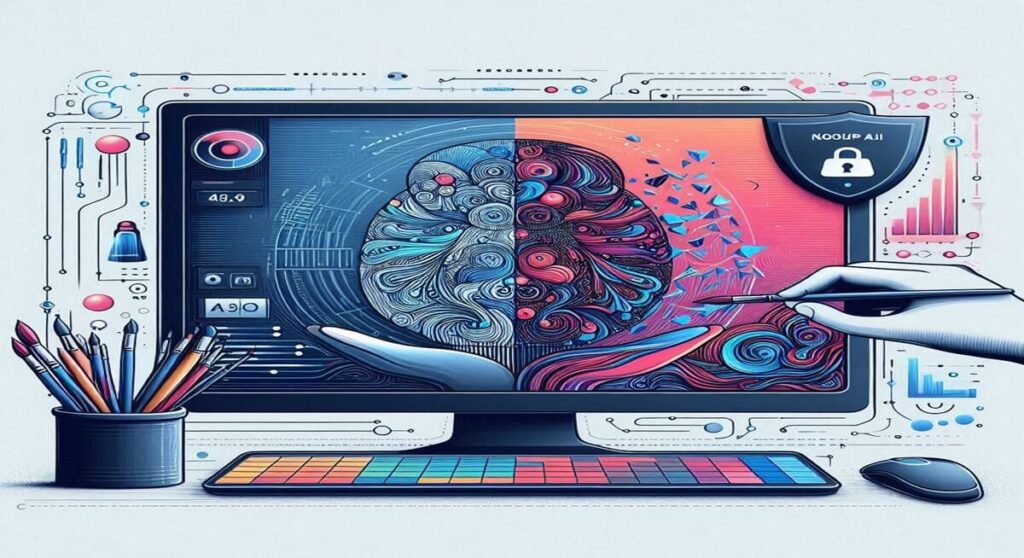
Step-by-Step: Opting Out of AI Training Scrapes
Let’s look at how to secure your entire gallery profile layout from automatic system processing inside your account dashboard.
Step 1: Account Settings Menu
Log into your creative dashboard interface and click your profile icon in the upper right-hand corner. Select General Account Settings from the dropdown options.
Step 2: Locating the Privacy Matrix
Scroll down the left navigation panel until you see the AI General Regulations tab section. Click it to open the operational permissions window.
Step 3: Activating the Global Lock
Locate the toggle switch labeled “Discourage AI datasets from training on all my past and future deviations.” Click the switch to turn it on, then hit the blue Save Changes button at the bottom of the interface panel. Your profile is now globally shielded from internal training sweeps.

The Ethical Horizon for Digital Illustrators
As automation engines like the ones analyzed in our Manus AI business guide continue to rewrite modern workflow timelines, platform policies will continue to change. Digital artists must remain proactive. Utilizing platform-native safeguards is the best way to ensure your unique human creativity remains protected while still benefiting from modern web exposure.
Conclusion: Balancing Creation with Protection
The implementation of DeviantArt AI tools proves that creative networks can offer generative functionality without completely ignoring creator boundaries. By mastering the settings panel and utilizing security tags, you can safely showcase your portfolio to global networks.
To discover more technical workflows or to learn how to speed up your general asset pipelines, explore our comprehensive Claude Code terminal tutorial or browse through our primary AI Tools index to find the most efficient productivity suites on the market today!