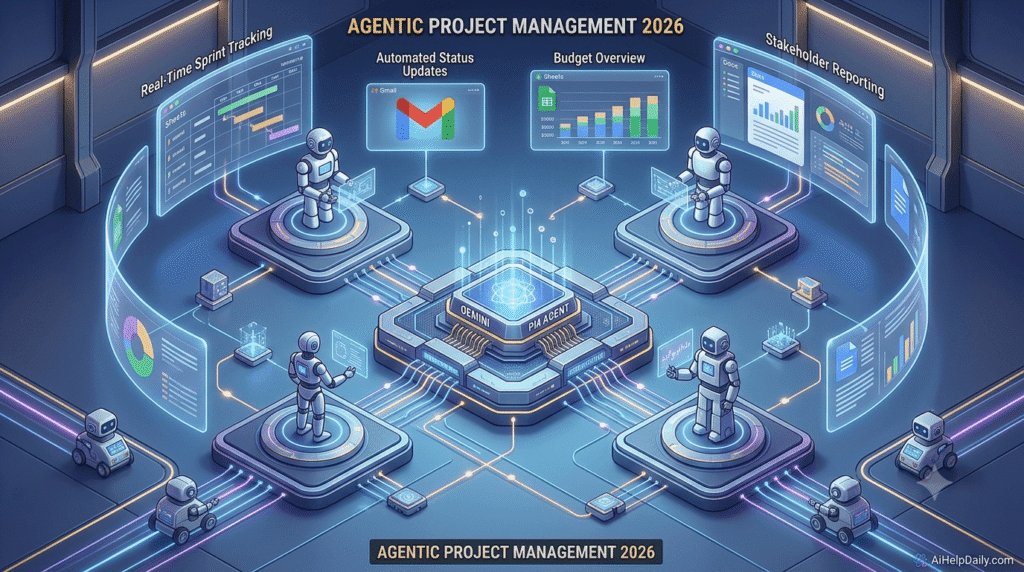
Introduction: The New Project Manager in 2026
Project management is no longer just about tracking tasks on a timeline and sending follow-up emails. As we advance through 2026, efficiency is driven by automation. At the center of this workplace revolution is Google AI Gemini, a highly sophisticated multimodal assistant that integrates directly into your daily business workflow.
Whether you are running a software team or managing client deliverables, learning how to leverage this ecosystem will save you hours of administrative manual labor. In this step-by-step guide, we will explore how to set up Google AI Gemini to handle complex project management tasks natively.
1. Integrating Google AI Gemini with Google Workspace
The greatest advantage of using Google AI Gemini for your projects is its deep, native integration into Google Workspace applications (Docs, Sheets, Slides, and Gmail). You do not need to constantly copy and paste data between different third-party apps.
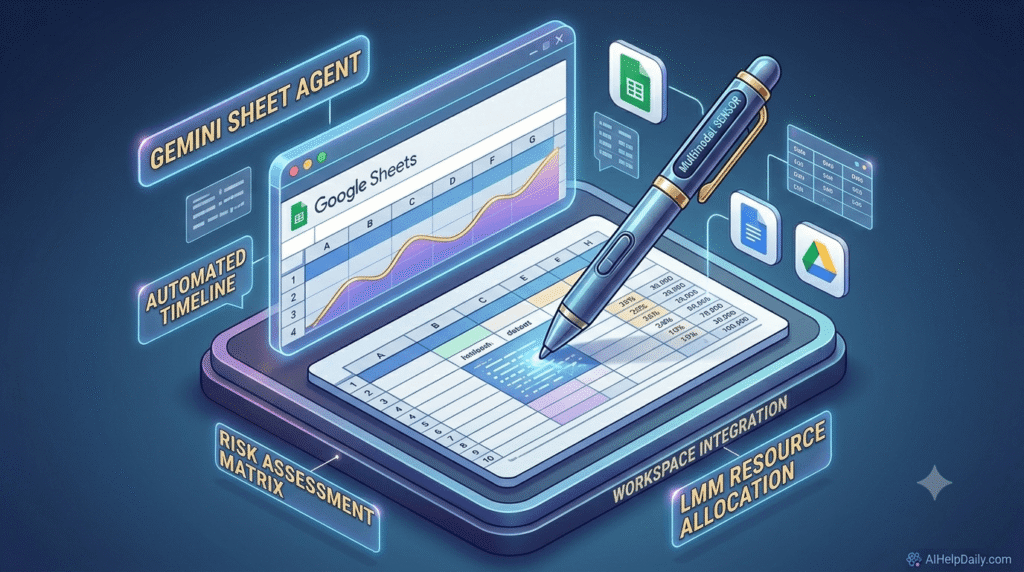
- Gemini for Google Sheets: You can prompt the AI directly inside a cell to generate project sprint timelines, risk assessment matrices, or resource allocation charts based on your team’s historical data.
- Gemini for Google Docs: When starting a new project, use the side panel to generate a comprehensive project charter or scope statement from a rough list of bullet points.
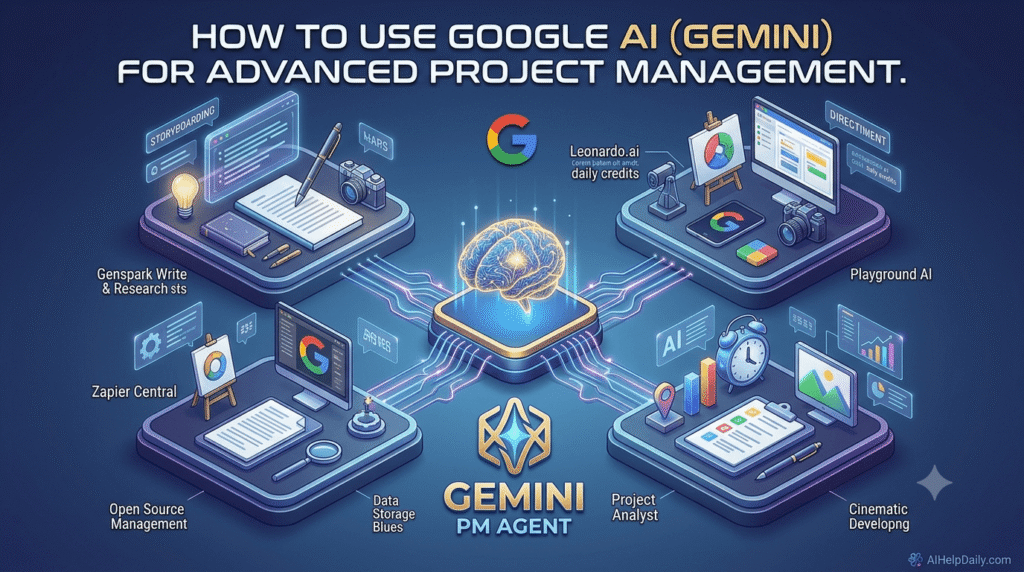
2. Automating Meeting Minutes and Action Items Natively
Nothing drains a project manager’s energy faster than spending 30 minutes after every call writing summaries. With Google AI Gemini Live and Google Meet integration, this process is entirely autonomous.
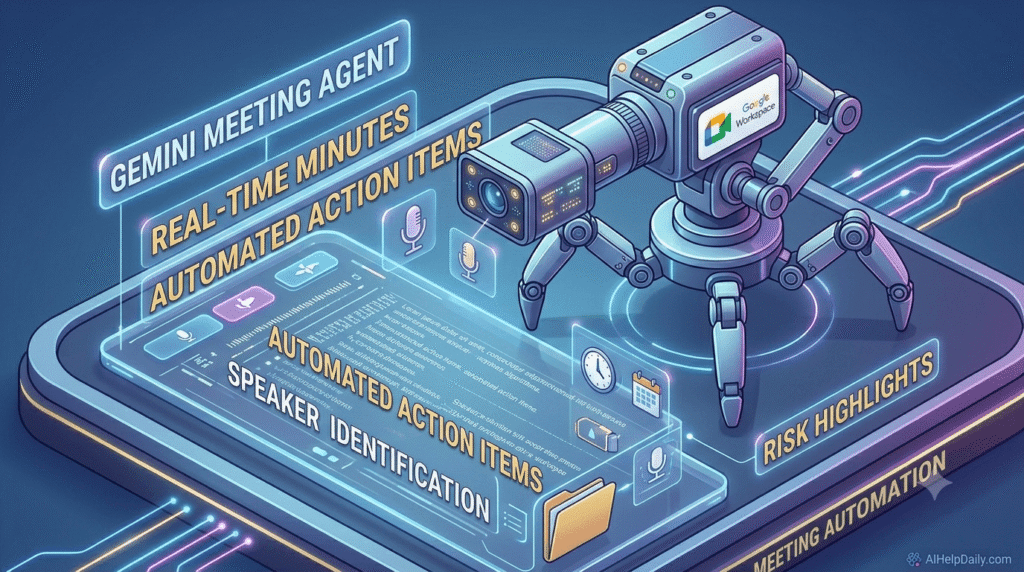
During a meeting, the model listens to the discussion, distinguishes between different speakers, and processes the context in real time. Once the call ends, Gemini automatically drops a perfectly structured document into your shared Google Drive folder. This document contains:
- Executive Summary: A high-level overview of what was discussed.
- Action Items: A bulleted list of tasks, completely mapped to specific team members with clear, inferred deadlines.
- Risk Highlights: Any potential bottlenecks mentioned during the call.
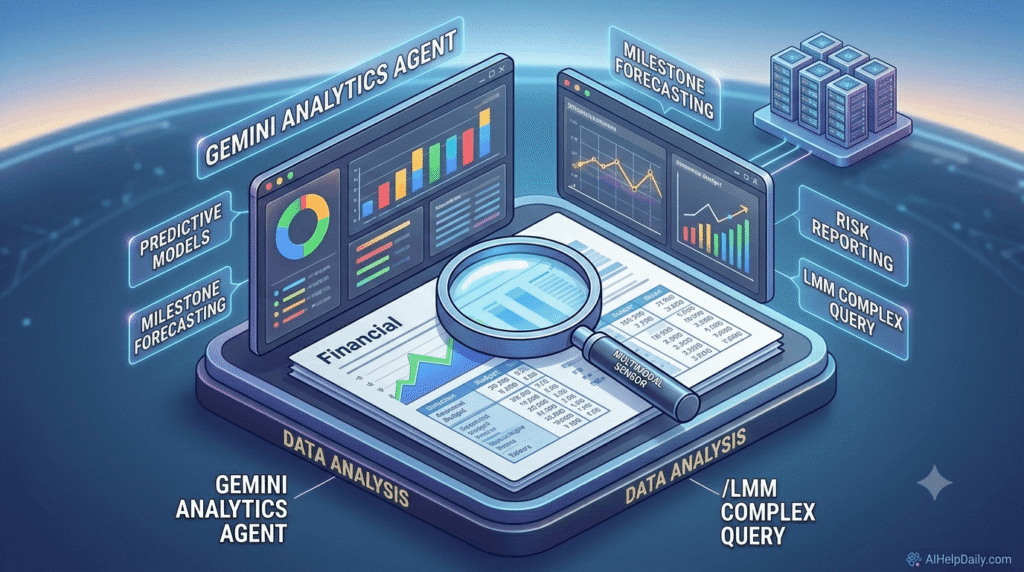
3. Advanced Data Analysis and Milestone Tracking
As a project scales, tracking milestones through massive data streams becomes difficult. By utilizing Google AI Gemini‘s massive context window, you can upload entire historical project sheets, financial budgets, and client communication logs simultaneously.
You can ask specific operational questions like: “Based on our current progress over the last 3 months, are we on track to hit the June launch deadline? Highlight any team members who might be overallocated.” The system will parse the documentation, build a predictive timeline model, and give you a structured risk report in seconds.
4. Top 5 Google AI Gemini Prompts for Project Managers
To get professional-grade results, your prompts must be highly specific. Here are five ready-to-use formulas you can copy into your workspace today:
- For Project Initiation: “Act as an expert agile project manager. Write a comprehensive project scope document for a React Native mobile application launch, including milestones, potential risks, and resource requirements.”
- For Risk Assessment: “Analyze this attached project budget sheet. Identify the top 3 areas where we are overspending and suggest actionable strategies to reduce costs by 12% without delaying the timeline.”
- For Sprint Planning: “Generate a detailed 2-week sprint plan for a development team based on these 10 user stories. Group tasks by priority and estimate story points logically.”
- For Client Updates: “Draft a formal, concise weekly project status email for stakeholders based on the following milestones completed this week [Insert Milestones]. Maintain a professional and reassuring tone.”
- For Conflict Resolution: “A developer and a designer are experiencing a bottleneck regarding UI deployment. Suggest 3 collaborative workflow adjustments to resolve this issue quickly.”
Conclusion: Stepping Into Agentic Management
Relying purely on manual input for tracking project health is an outdated approach. Utilizing Google AI Gemini gives you a dedicated, data-driven digital assistant that actively prevents project drift.
To stay competitive in the modern digital landscape, make sure to read our review on the best free AI tools 2026 or jump to our AI Tools hub to find more automation resources!