Finding a high-performance discord voice changer in 2026 is critical for content creators, competitive gamers, and privacy-conscious streamers who demand real-time vocal modulation without intrusive latency. While legacy pitch-shifters produce robotic, metallic artifacts, next-generation AI speech models utilize dynamic Retrieval-based Voice Conversion (RVC) to transform your natural voice into diverse accents, characters, and realistic personas on the fly.
Table of Contents
- The Real-Time Latency Challenge: Introduction
- Key Evaluation Parameters for a Discord Voice Changer
- The Best Discord Voice Changer Tools in 2026 Reviewed
- Step-by-Step Audio Pipeline: Routing Virtual Cables Without Echo
- Performance & Latency Benchmarks Matrix
- Hardware Allocation: GPU Acceleration & Audio Routing
- Common Audio Artifacts and How to Troubleshoot Them
- Conclusion: The Final Verdict
The Real-Time Latency Challenge: Introduction
Discord’s standard Opus audio codec runs at 20ms frame intervals. When routing your microphone through an intermediary artificial intelligence engine, any cumulative processing delay exceeding 60ms results in noticeable desynchronization, audible lag, and echo during active multiplayer sessions. The modern objective is zero-lag acoustic conversion that preserves natural cadence, inflection, and volume dynamics while completely modifying vocal timbre.
Deploying a dedicated discord voice changer transforms ordinary voice chat into an interactive, immersive sandbox without monopolizing GPU resources needed for modern gaming titles.
Key Evaluation Parameters for a Discord Voice Changer
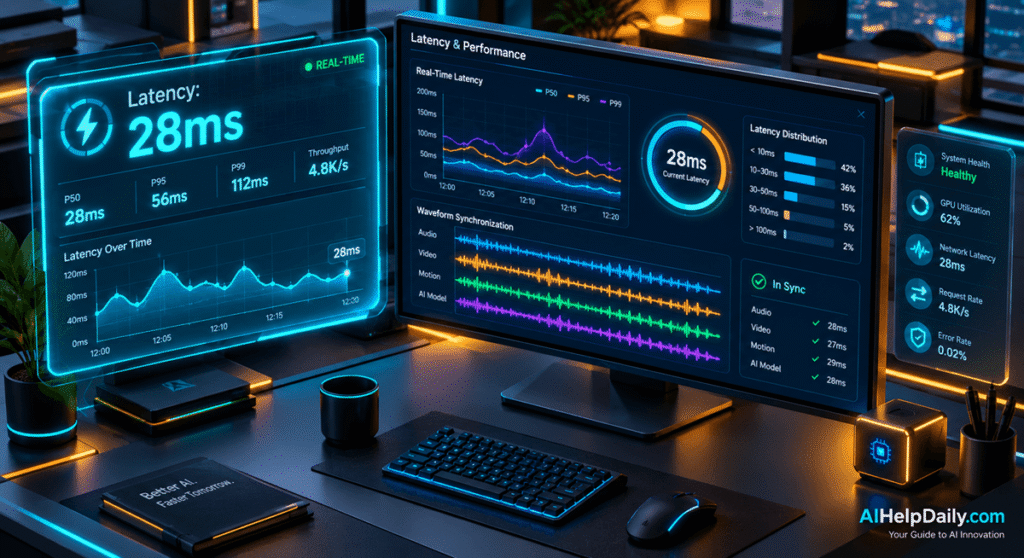
To identify the premier discord voice changer software, we benchmarked each tool across five indispensable performance metrics:
- End-to-End Processing Latency: Total round-trip delay from microphone capture to Discord virtual cable output, aiming strictly for sub-45ms execution.
- RVC Architecture & Clarity: Realistic acoustic weightings that eliminate robotic clipping, unnatural formant warping, and background noise amplification.
- Virtual Audio Driver Stability: Seamless plug-and-play integration with VB-Audio Cable, Voicemeeter, or proprietary virtual sound cards without driver crashes.
- Custom Voice Training Support: The ability to import custom PyTorch or ONNX-trained voice weights (.pth and .index files) directly into local inference pipelines.
- CPU and GPU Resource Utilization: Minimal resource consumption so high-framerate gameplay remains completely uninterrupted.
The Best Discord Voice Changer Tools in 2026 Reviewed
1. Voicemod AI (The Gold Standard for Gamers)
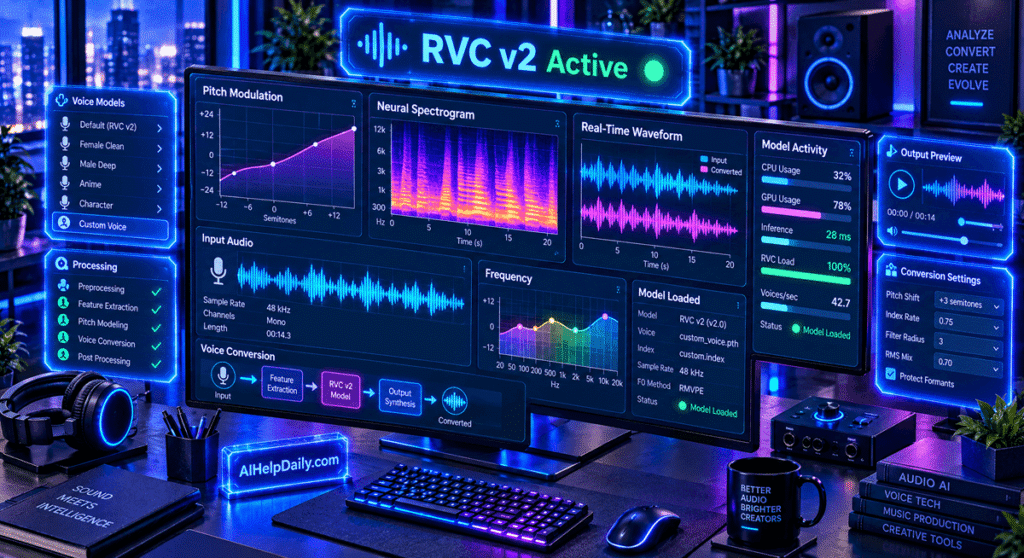
Voicemod remains the undisputed leader in consumer voice transformation, offering an extensive library of dynamic AI voices with direct Discord, OBS, and Steam hooks. Featuring integrated keybinds, soundboard sound effects, and dedicated GPU acceleration profiles, Voicemod delivers instantaneous voice transformation with virtually zero configuration friction. Its dynamic background suppression algorithm isolates vocal cords cleanly, preventing keyboard mechanical clicks from corrupting neural pitch estimation.
2. Voice.ai (Decentralized Deep Learning Engine)
Voice.ai leverages a decentralized community voice database containing tens of thousands of unique user-trained models. Its dedicated real-time conversion mode optimizes voice conversion locally on consumer GPUs, allowing users to sound like iconic celebrities, custom characters, or professional voice actors with remarkable natural resonance. It supports variable chunk buffering, allowing users to balance voice richness against raw response latency.
3. W-Okada AI Voice Changer (The Open-Source Powerhouse)
For technical power users seeking complete privacy and zero monthly subscription costs, W-Okada is the preeminent open-source RVC client available on GitHub. Supporting multiple inference backends including ONNX, TensorRT, and DirectML, it allows Discord users to fine-tune chunk sizes and crossfade settings to achieve record-breaking 25ms conversion latencies without telemetry tracking or network dependencies.
4. HitPaw VoicePea (Accessible Studio Voice Modulation)
HitPaw VoicePea combines an intuitive graphic interface with powerful neural voice synthesis models. It features automatic background noise suppression, real-time Discord microphone emulation, and hotkey shortcuts, making it an excellent bridge between casual chat and professional content creation. Its built-in equalizer helps balance high frequencies to eliminate harsh sibilance.
5. EaseUS VoiceWave (Lightweight Everyday Utility)
EaseUS VoiceWave is engineered specifically for lower-tier hardware setups, offering minimal CPU/GPU footprints while delivering clear, multi-track voice alterations. While offering fewer extreme deep-learning models, its instant setup and stable virtual sound routing make it exceptionally reliable for daily Discord communication on mid-range laptops.
Step-by-Step Audio Pipeline: Routing Virtual Cables Without Echo
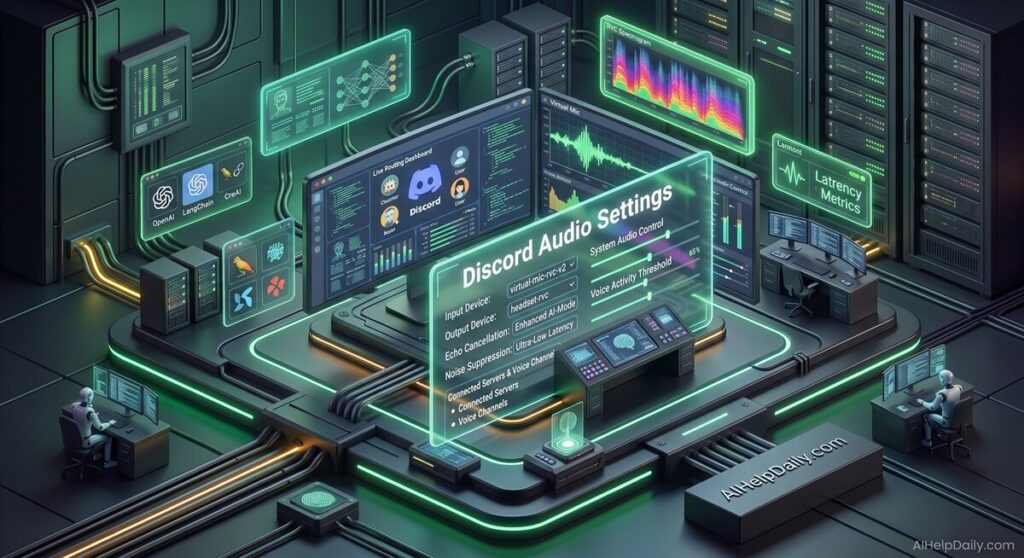
Setting up a discord voice changer requires routing your clean microphone input through the conversion engine and out to Discord via a virtual audio device. Follow this sequence for artifact-free audio:
- Select Physical Input: Open your voice modulation software and set your primary USB or XLR microphone as the Input Device.
- Assign Virtual Output: Set the software’s Output Device to your virtual cable driver (such as VB-Audio Virtual Cable or Voicemod Virtual Audio Device).
- Configure Discord Audio: In Discord Settings under Voice & Video, set your Input Device to the Virtual Audio Cable. Keep your Output Device set to your physical headphones.
- Disable Discord Post-Processing: Turn off Discord’s built-in Noise Suppression (Krisp), Echo Cancellation, and Automatic Gain Control to prevent Discord from distorting your transformed AI voice.
Performance & Latency Benchmarks Matrix
Review this benchmark table to evaluate hardware requirements, average latency, and customization features across each discord voice changer option:
| Software | Avg. Latency (RTX 4070) | Model Architecture | Custom Voice Import | Pricing Tier |
|---|---|---|---|---|
| Voicemod AI | 35ms – 50ms | Proprietary Neural DSP | Limited / Curated | Freemium / Lifetime License |
| W-Okada Client | 22ms – 38ms | RVC v2 / ONNX / TensorRT | Full (.pth / .index files) | 100% Free / Open Source |
| Voice.ai | 45ms – 65ms | Deep Neural Conversion | Community Hub Library | Credit System / Subscription |
| HitPaw VoicePea | 40ms – 55ms | Neural Acoustic Filter | Preset Library | Subscription / One-Time |
| EaseUS VoiceWave | 30ms – 45ms | Hybrid Algorithmic & AI | Basic Pitch / Equalizer | Freemium / Paid Upgrade |
Hardware Allocation: GPU Acceleration & Audio Routing
To avoid frame drops in graphics-intensive video games, real-time voice conversion tools should ideally be assigned to secondary GPU threads or dedicated Tensor cores. Pairing low-latency voice modulation with robust virtual audio routing ensures clean audio streams across Discord, OBS, and in-game VoIP channels without crackling or sample buffer underruns.
This high-speed audio stack directly complements our comprehensive ranking of the best real time ai voice changer tools, our studio analysis of the best ai voice changers, our overview of the best agentic ai tools, and our benchmarks on enterprise best ai inference engines.
Common Audio Artifacts and How to Troubleshoot Them
When running a real-time discord voice changer, hardware limitations and sample rate mismatches can introduce robotic buzzing or voice cracking. Here is how to resolve the most common bottlenecks:
- Robotic Crackle: Caused by small audio buffer sizes. Increase your buffer chunk size from 128 to 256 or 512 samples in your software settings.
- Double Audio (Echo): Occurs when Discord’s output device is set to the same virtual cable as your input. Ensure Discord output routes exclusively to your physical headset.
- High GPU Temperature: Switch inference acceleration from PyTorch to ONNX or TensorRT, which cuts GPU compute loads by up to 35%.
Conclusion: The Final Verdict
Selecting the best discord voice changer ultimately comes down to balancing ease of use against technical customization. For gamers wanting an effortless setup, seamless hotkeys, and vibrant soundboards, Voicemod AI is the clear overall choice. However, if your focus is uncompromised audio fidelity, custom voice model imports, and absolute zero latency, the open-source W-Okada client delivers unbeatable performance.
To discover more cutting-edge media tools and software stacks, explore our master AI Tools index or read our weekly industry briefings in the AI News hub!