
Quick Executive Verdict: Is Kling AI 3.0 Worth It?
Kling AI 3.0 has officially established itself as the premier multimodal video generation tool of 2026. By introducing unified physics simulations, seamless 15-second generation limits, native multilingual audio generation, and flawless text rendering, it bridges the gap between fragmented “AI clips” and professional cinematic filmmaking. While OpenAI’s Sora remains locked behind restrictive access and Runway focuses on abstract artistry, Kuaishou’s Kling AI 3.0 is built for narrative directors, marketers, and YouTubers who demand total creative control.
- ⭐ Best for: Narrative Filmmakers, Ad Agencies, and YouTube Creators.
- 🔥 Standout Feature: Multi-Shot Storyboarding & Native Audio.
- 💵 Pricing: Starts at $10/month (Highly competitive ROI).
In the fiercely competitive landscape of generative artificial intelligence, 2026 has brought a seismic shift. We have moved past the era of distorted, morphing 3-second clips. Kling AI 3.0 has arrived, bringing a unified Omni-architecture that simultaneously handles spatial physics, temporal consistency, and high-fidelity audio within a single rendering pass.
Whether you are a solo content creator looking to scale a faceless YouTube channel, or a digital marketing agency building high-budget commercial campaigns, understanding how to leverage this exact tool is no longer optional—it is a competitive necessity. In this exhaustive technical review, we tear down Kling AI 3.0’s core architecture, benchmark it against industry giants, and provide a masterclass in cinematic prompt engineering.
Table of Contents
- 1. What is Kling AI 3.0? The 2026 Multimodal Revolution
- 2. The Evolution: From v1.0 to v3.0
- 3. Key Technical Features: 4K, Physics, and Audio
- 4. Multi-Shot Storyboarding: The Built-in AI Director
- 5. Industry Benchmark: Kling AI 3.0 vs. Sora 2 vs. Runway Gen-4
- 6. Masterclass: Cinematic Prompting in 2026
- 7. Advanced Camera Controls and Technical Prompting
- 8. Real-World Commercial Use Cases
- 9. Production Workflow Integration
- 10. Ethics, Safety, and Commercial Rights in 2026
- 11. The Flaws: Where Kling AI 3.0 Still Struggles
- 12. Pricing Analysis & ROI: Is It Worth the Credits?
- 13. Hardware, Platform Accessibility, and Generation Speed
- 14. Frequently Asked Questions
- 15. Final Verdict
1. What is Kling AI 3.0? The 2026 Multimodal Revolution
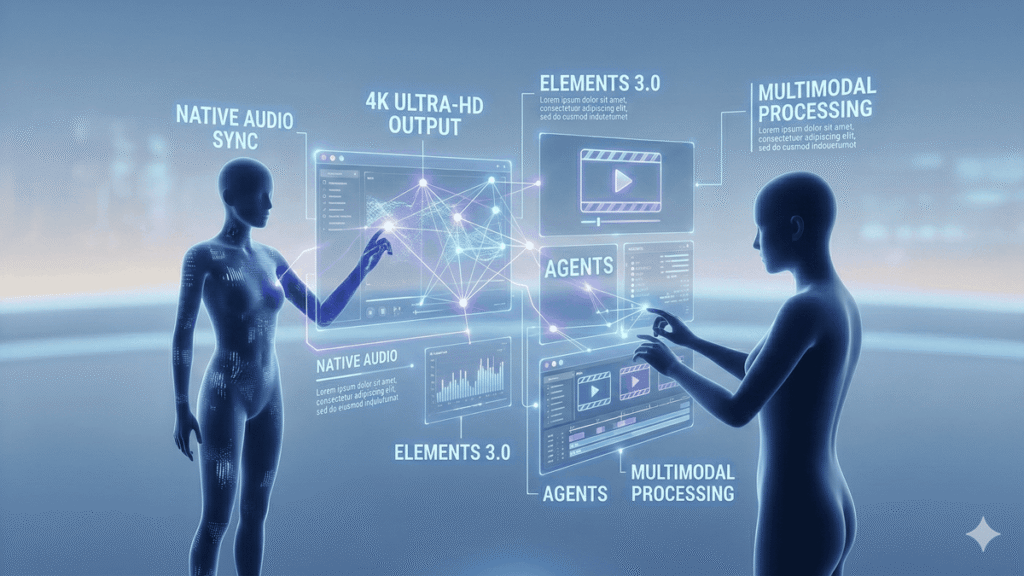
Developed by Kuaishou, Kling AI initially launched as a robust text-to-video generator. However, the 3.0 update represents a fundamental architectural rewrite. Instead of generating a video layer and forcing a separate audio model to guess the sound effects, the Kling Omni-Model processes text, images, video matrices, and audio spectrographs concurrently.
This means when you prompt a “sports car drifting on wet asphalt,” the AI natively understands the friction of the tires, the specular reflection of the puddles, and generates the exact screeching audio perfectly synced to the frame rate.
To understand the foundational technology powering these latent diffusion models, we highly recommend reading our definitive guide on what is ai and exploring how foundational models have evolved this year.
2. The Evolution: From v1.0 to v3.0
To understand why version 3.0 is a cinematic landmark, it’s essential to trace its development history. The evolution of Kling is a case study in rapid AI scaling, reflecting the fiercely competitive landscape of video generation over the last 18 months.
Kling v1.0 (The Early Sandbox)
Launched as a promising text-to-video experiment, version 1.0 was capable of generating 2 to 5-second clips. While its environmental physics were praised compared to Early Stable Video Diffusion models, character consistency was poor, objects would frequently dissolve or morph, and the image quality was strictly limited to standard 720p with visible blur and temporal noise.
Kling v2.0 (The Commercial Transition)
Version 2.0 introduced Kuaishou’s 3D Spatio-Temporal Attention mechanism, which dramatically stabilized character motion and expanded standard generation limits to 10 seconds. Native audio generation made its debut but was plagued by synchronization delay and muffled spectral output. Despite these drawbacks, v2.0 became a workhorse for social media marketers.
Kling v3.0 (The Hollywood Bridge)
Kling AI 3.0 isn’t just an upgrade; it’s a structural rethink. The Omni architecture processes space, time, text, and sound in a single latent stream. It delivers true 4K resolution, complex multi-shot storyboarding, native multilingual dialog, and unmatched object/text rendering. The transition between v1.0 and 3.0 represents a evolution from mere “sandbox generation” to production-ready “cinematic tools.”
3. Key Technical Features: 4K, Physics, and Audio
Kling AI 3.0 separates itself from legacy platforms through three massive technological pillars:
A. Extended 15-Second Generations without Morphing
Historically, AI videos beyond 4 seconds suffered from “temporal hallucination”—objects would melt, and physics would break down. Kling 3.0 utilizes a massive 3D spatio-temporal attention mechanism. You can now generate high-fidelity 10 to 15-second continuous cinematic takes where a character walks through a complex environment without losing structural integrity.
B. Native Multilingual Audio & Lip-Sync
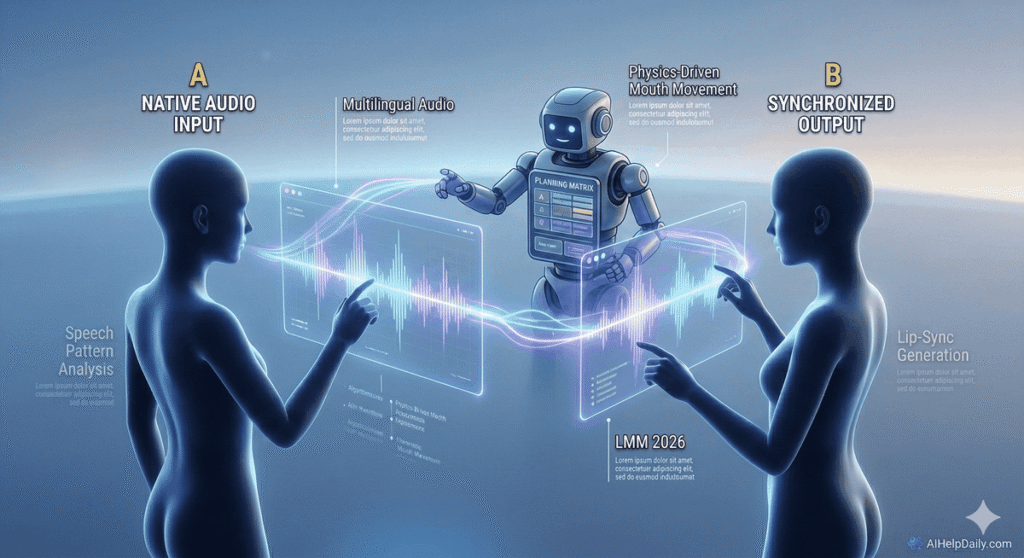
Silent AI videos are dead. Kling 3.0 introduces a native audio engine. It generates rich Foley sound effects (rain, footsteps, engine roars) and allows character dialogue input. It supports flawless lip-syncing in English, Chinese, Spanish, Japanese, and French. If you are building automated YouTube shorts, this eliminates the need for expensive third-party audio splicing software.
C. True 4K Output and Text Rendering
The system now supports direct rendering in true 4K Ultra-HD. Furthermore, it has conquered the ultimate AI hurdle: typography. You can explicitly command the AI to place legible text on neon signs, t-shirts, or computer screens without the strange hieroglyphic distortions seen in 2024 models.
4. Multi-Shot Storyboarding: The Built-in AI Director
One of the most frustrating aspects of AI filmmaking has always been “character drift.” If you wanted a protagonist to appear in Scene 1 and Scene 2, AI models would usually generate two slightly different looking people.
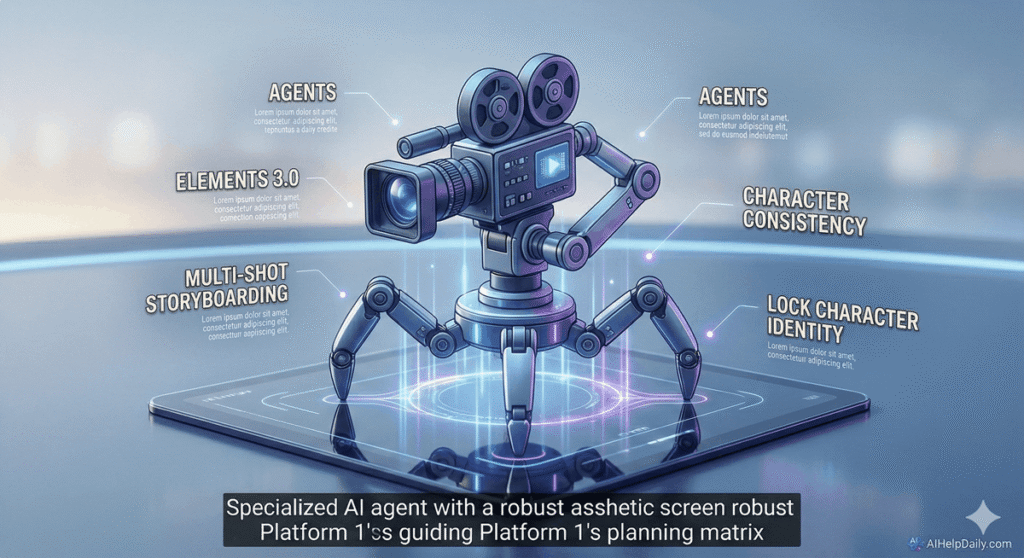
Kling 3.0 introduces Elements 3.0, a native storyboarding UI that functions as your AI Director. Within this module, you can:
- Character Lock: Upload a single reference image of a character (or use one generated by Midjourney) and lock their identity. The AI will preserve their exact facial features, clothing, and proportions across 20 different prompts and angles.
- Camera Sequencing: Plan up to 6 distinct shots in a single batch. You can command: Shot 1 (Extreme Wide), Shot 2 (Over-the-shoulder), Shot 3 (Macro close-up), and Kling will maintain lighting continuity across all of them.
5. Industry Benchmark: Kling AI 3.0 vs. Sora vs. Runway Gen-4
How does Kling hold up against the Silicon Valley titans in 2026? Let’s look at the hard data. We benchmarked Kling AI 3.0 against OpenAI’s Sora and Runway Gen-4 across 5 key production metrics.
| Feature / Metric | Kling AI 3.0 | OpenAI Sora (V2) | Runway Gen-4 |
|---|---|---|---|
| Character Consistency | Excellent (Native Lock) | Good | Fair |
| Native Audio Generation | Yes (Foley & Lip-sync) | Limited | Yes (Foley only) |
| Text/Typography Rendering | Perfect Accuracy | High Accuracy | Struggles with sentences |
| Maximum Clip Length | 15 Seconds | Up to 60 Seconds | 10 Seconds |
| Accessibility | Public SaaS (Open) | Closed / Waitlist | Public SaaS (Open) |
The Takeaway: If you need abstract, dream-like artistic b-roll, Runway Gen-4 remains a strong contender. If you have enterprise Hollywood access, Sora is incredible for long takes. But for 99% of marketers, creators, and independent filmmakers who need precise narrative control today, Kling AI 3.0 is the definitive winner.
6. Masterclass: Cinematic Prompting in 2026
To extract the massive potential of this Omni-model, typing “a dog running” is a waste of credits. You must communicate with the AI using professional cinematography vocabulary.
// The 3-Part Cinematic Formula
[Subject + Action] + [Environment & Lighting] + [Camera Lens & Movement]
Example of a High-Yield Prompt:
“A weary, battle-scarred cyberpunk detective wearing a glowing neon-blue trench coat lights a cigarette. Rain pours heavily on the dark Tokyo streets at midnight, reflecting neon pink and teal volumetric lighting off the puddles. Shot on 35mm anamorphic lens, slow cinematic tracking shot pushing forward. Depth of field with blurred neon background. 4k, hyper-realistic, highly detailed.”
Image-to-Video Workflow (The Professional Route): The absolute best method in 2026 is to generate your core image in Midjourney, upload it to Kling’s Image-to-Video tab, and use text *only* to describe the motion. E.g., “The camera pans left as the character slowly turns their head and smiles.” This guarantees zero distortion of your initial vision.
If you are assembling a full stack of tools to pair with Kling, check out our master list of the best ai tools for productivity to automate your scriptwriting and scheduling.
7. Advanced Camera Controls and Technical Prompting
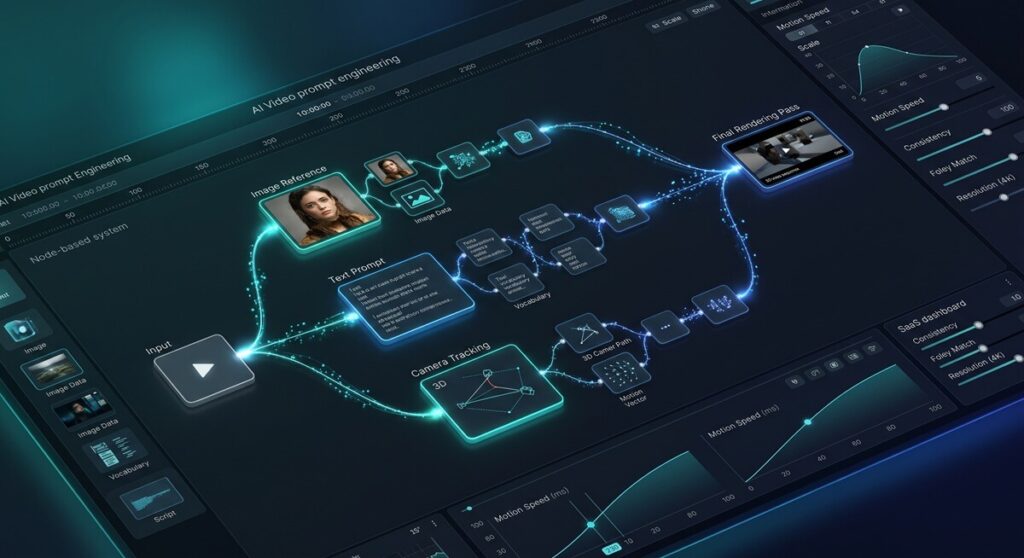
To master high-end visual storytelling, prompt engineering needs to align with the language of real cinematic directors. Kling AI 3.0 features precise “lens awareness.” By explicitly declaring visual specs, the latent 3D space is altered. Try implementing the following specific techniques:
- Depth of Field (DOF): Use
Shallow depth of field, f/1.8 aperture, cinematic bokeh, tack-sharp focus on foreground subject, heavily blurred distant background lights. This forces the transformer to separate the focus plane and instantly elevates visual realism. - Camera Lenses: Prompting lens types transforms the field of view. Command
Shot on 15mm ultra-wide lens, perspective distortion, dramatic environmental scaleor70mm anamorphic lens, epic cinema scale, cinematic horizontal flare. Avoid generic “highly detailed” descriptors in favor of these precise technical terms. - Specific Motions: Instead of asking the camera to “move,” use exact camera crew calls:
Dolly zoom (Vertigo effect), parallax perspective shift, foreground moving faster than the compression backgroundorHandheld camera pan, natural micro-jitter, documentary documentary-style tracking, follow-shot.
8. Real-World Commercial Use Cases
Who is actually making money with Kling AI 3.0?
- Faceless YouTube Empires: Creators are using Claude or ChatGPT for scriptwriting, ElevenLabs for voiceovers (or Kling’s native engine), and Kling AI 3.0 for the visuals to produce documentary-style historical and true-crime channels entirely without human actors.
- Digital Ad Agencies: Instead of spending $10,000 to shoot a 15-second Instagram reel for a boutique coffee brand, agencies generate photorealistic b-roll of coffee pouring in slow motion using Kling, achieving Hollywood quality for pennies.
- Indie Game Developers: Utilizing Kling’s consistent character locking to generate cinematic cutscenes and promotional trailers for indie Steam games without hiring an animation studio.
Note: When publishing AI content commercially, ensure you verify your final scripts to avoid repetitive AI patterns. Consider running your scripts through one of the best ai detectors to ensure a natural, human-like voiceover flow.
9. Production Workflow Integration
For large-scale studios, Kling AI 3.0 is a pipeline accelerator. A typical 2026 production workflow looks like this:
The Pipeline:
1. Pre-visualization: ChatGPT-5 Drafts Screenplay $\rightarrow$ Storyboard reference images generated in Midjourney v7.
2. Character Locking: Pass references to Kling’s storyboarding console.
3. Master Generation: Batch generate multi-shot sequences with camera lens commands.
4. Mastering: Up-render scenes to 4K $\rightarrow$ Color grade in DaVinci Resolve $\rightarrow$ Finalize edits.
10. Ethics, Safety, and Commercial Rights in 2026
With massive generation capacity comes deep responsibility. Kling AI 3.0 operates with strict real-time trust and safety filters to prevent the creation of deceptive or non-consensual realistic media of living individuals.
Strict Safety Filters: Public figure prompts and explicit requests are automatically flagged and blocked prior to processing. It’s impossible to generate deepfakes of active politicians or public personalities, ensuring the platform’s compliance with global safety frameworks.
Copyright and Ownership: For premium subscribers, Kuaishou provides unencumbered commercial license rights for all output media. However, creators should familiarize themselves with regional copyright guidelines, particularly in EU and US markets, regarding AI-generated media registration and transparent disclosure policies.
11. The Flaws: Where Kling AI 3.0 Still Struggles
Even though the software is revolutionary, it is not a magic wand. Users must be aware of persistent algorithmic bottlenecks:
- Action Spicing Limits: Ultra-fast, highly violent movements—like a martial artist executing a spinning backkick—can still create momentary visual anomalies, where limbs briefly lose natural proportions or clip through clothing.
- Interactive Object Physics: While environmental physics are excellent, direct character-object interactions (like a hand grasping a complex key and inserting it into a lock) sometimes fail, resulting in objects morphing slightly or “ghosting” into the character’s fingers.
- Multilingual Dialogue Accuracy: The native lip-syncing, though vast, can occasionally feel slightly disjointed or natural lag during fast-paced, high-emotion dialogue, requiring small manual tweaks in post-production.
12. Pricing Analysis & ROI: Is It Worth the Credits?
Understanding the economics of AI video is crucial for profitability. As of late 2026, Kling AI offers a highly scalable credit system.
- Free Tier: Perfect for testing. Offers a small daily allowance of credits (roughly enough for 3 standard 5-second videos).
- Standard Plan ($10/month): 660 credits. Generates approximately 33 standard videos. Ideal for hobbyists and social media managers.
- Pro Plan ($37/month): 3,000 credits. Unlocks 2K resolution priority queuing. The best value for active YouTubers.
- Premier Plan ($92/month): 8,000 credits. Unlocks true 4K rendering and ultra-fast dedicated server generation. Mandatory for ad agencies and commercial filmmakers.
ROI Verdict: If a $37/month subscription saves you just one stock footage purchase or one hour of a freelance animator’s time, the software pays for itself instantly. For those bootstrapping their projects, remember to explore our best free ai tools 2026 guide to supplement your paid stacks.
13. Hardware, Platform Accessibility, and Generation Speed
Unlike gaming or 3D modeling pipelines, Kling AI 3.0 does not require a localized powerhouse machine to operate, since Kuaishou’s massive cloud server infrastructure handles the processing workloads.
A SaaS-first Approach: The core web browser dashboard is accessible on almost any machine, including Chromebooks and standard laptops, as the cloud renders the 4K models. However, standard users must expect render queues during peak international traffic periods, making paid tier upgrades crucial for speed-oriented commercial environments.
14. Frequently Asked Questions
Is Kling AI 3.0 free to use?
Yes, Kling offers a limited free tier that provides daily credits. However, accessing advanced features like 4K rendering, extended durations, priority queues, and the multi-shot storyboard module requires a paid subscription starting at $10/month.
Can I use Kling AI 3.0 videos for YouTube monetization?
Absolutely. For all tier levels, especially paid subscriptions, you retain the full commercial rights to the video and audio files you generate. Make sure your scripts follow natural voiceover patterns; running them through a verification checker can help keep your voiceovers engaging and monetizable.
How does Kling 3.0 handle character consistency?
Through its Elements 3.0 Storyboarding module, users can upload reference photos to “lock” a character’s facial features, clothing, and proportions, maintaining the exact same identity across multiple generated shots and sequence angles.
What languages are supported by the lip-syncing engine?
Kling 3.0 natively supports synchronized voice dialogue generation in English, Spanish, French, Chinese, and Japanese, using precise speech-to-gesture modeling for natural facial movements.
15. Final Verdict: The Era of the AI Director
Kling AI 3.0 is not just a marginal software update; it is a paradigm shift in digital media production. By seamlessly merging text, spatial physics, and pristine native audio into a cohesive rendering engine, Kuaishou has built the most accessible, powerful, and commercially viable video generator on the market today.
For storytellers, the barrier to entry has vanished. Your imagination—and your ability to write a precise prompt—is now the only limit to the cinematic worlds you can create.